TikTok
Math challenge
Complete 5 questions for a 3:00 break.
2 of 5 completedNormal
47 − 19 = ?
Check answer
 ScrollGuard
 gives websites a daily time limit. Once you use up your time on a site, it gets blocked until 6 AM the next morning.
ScrollGuard — Earn a break×3
ScrollGuardBack to overviewTikTok is available until 2:43 PM. The clock keeps running, even if you switch away.
Open websiteScrollGuardResets Daily at 6:00 AM
You've reached your time limit for TikTok. The website tabs were closed.
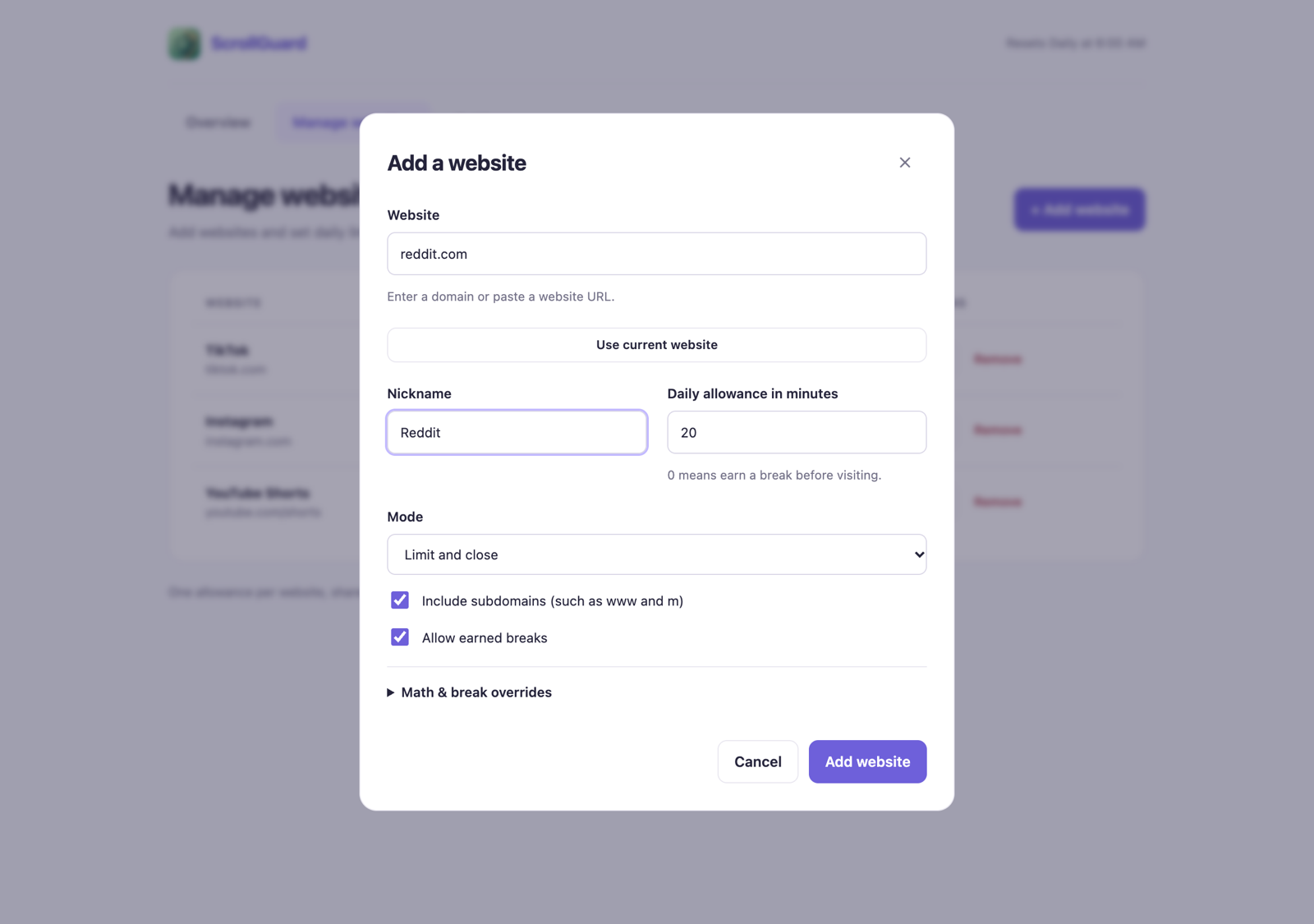
Pick your sites. Set your minutes. Browse like normal.
Add any site, like TikTok, Instagram, or Reddit, and choose how many minutes a day you get on it.
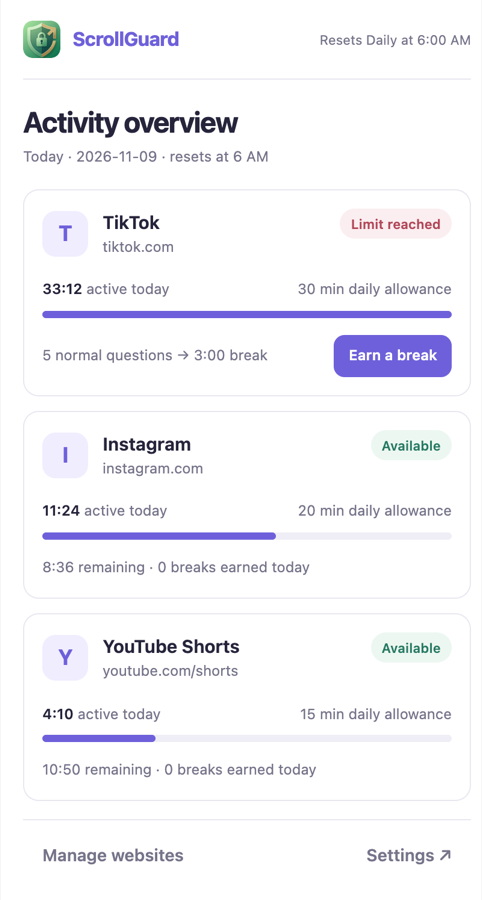
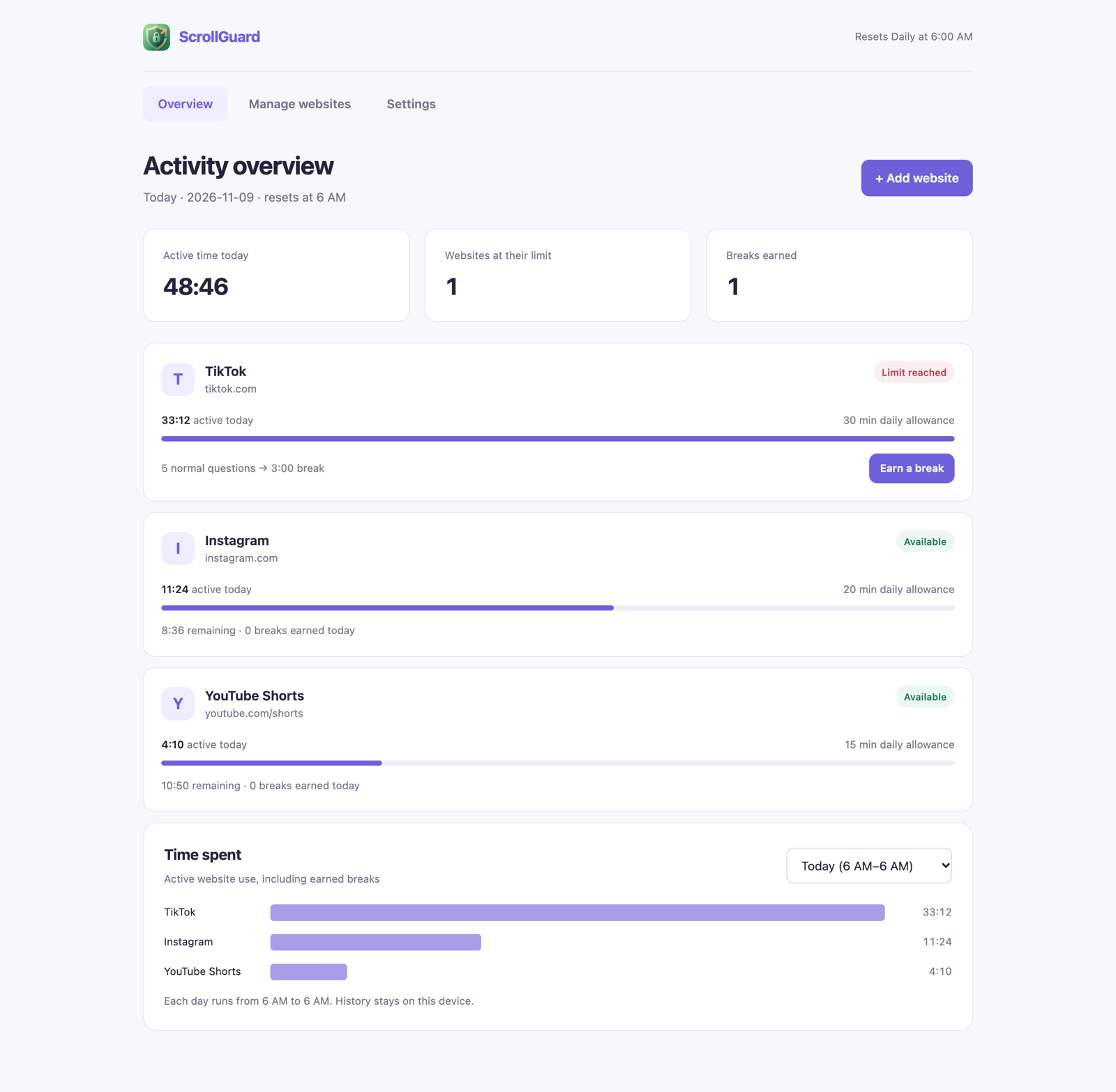
Click the toolbar icon to see time left on each site. Only time you actually spend looking at the site counts.
When your time runs out, the tab goes back to the page you were on before. If there wasn't one, the tab closes. It stays blocked until 6 AM.
Answer a few math questions to get a 1 to 5 minute break.
Install it from GitHub in five steps.
Track website time, close tabs at your daily limit, and earn short breaks with math. Resets at 6 AM.
ScrollGuardDownload the Windows or macOS ZIP from the latest release.
Unzip it into a folder you won't move or delete.
Go to chrome://extensions and turn on Developer mode.
Click Load unpacked and pick the folder you unzipped.
Pin ScrollGuard to your toolbar so it's easy to reach.
Yes. In Settings you can make each break need more questions, or lock your settings so changing them takes a math challenge or waits until the next 6 AM.
Yes. Type youtube.com/shorts when adding the site. Regular YouTube videos stay open.
Check that Chrome is allowed to send notifications in your system settings. The install guides on GitHub walk through it.
Replace the files in the same folder, then click Reload on the ScrollGuard card in chrome://extensions. Don't uninstall first, because that deletes your saved usage and settings.
Phone apps, the TikTok desktop app, other browsers, and other Chrome profiles. It only works in the Chrome profile you installed it in.